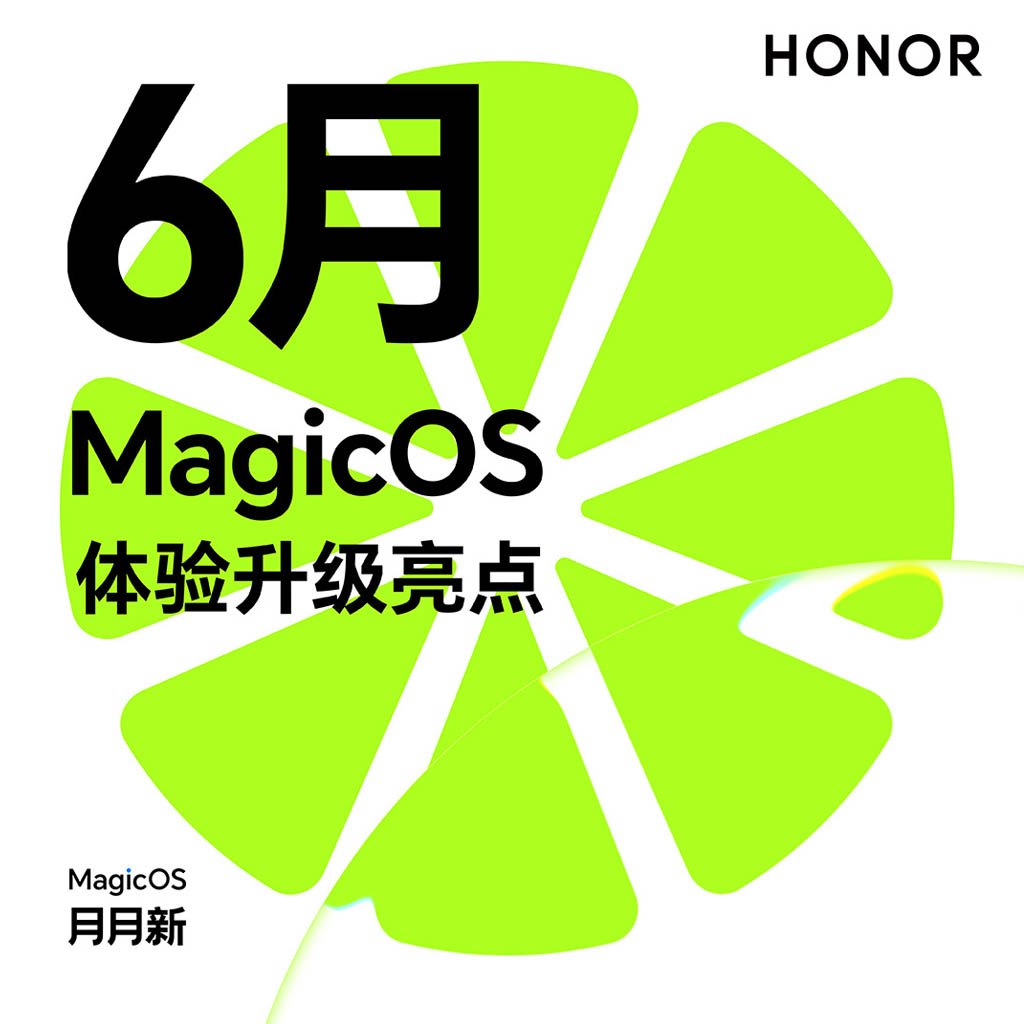
Honor has released details of its MagicOS 10 June 2026 update which is now ready to make its way to top flagship phones. The latest firmware is coming with new enhancements for YOYO, home screen, lock screen, and the Smart Magic Capsule.
MagicOS 10 June 2026 update is bringing new changes for Honor phones in terms of YOYO capabilities. The company has added AI creation with many new styling templates, giving you the chance to enhance your creativity.
Features like Time Mapping, a learning assistant for tablets, a female voice tone, an upgraded Notes app with minute templates, and a customized, dynamic keyboard are also part of the YOYO ecosystem.
Changes are also visible in the home screen widgets section, where you have new additions like quote widgets, alarm clock widgets, and more. The lock screen also gets new widgets.
The company has also made changes to app switching animations for media playback. Users will get a new screen privacy feature called – AI anti-peeping to safeguard the essential content on the display from prying eyes. You can check other features below.

(Image Credits: Honor)
Honor AI and YOYO
- The AI button now includes YOYO image creation functionality.
- YOYO launches a learning assistant feature (tablets only).
- YOYO supports Time Mapping
- YOYO AI Creation is now available! It now has a variety of new style templates such as comic stories, Plogs, retro American comics, pixel art, and miniature figurines.
- YOYO suggests adding a queue number reminder feature to Dianping (a Chinese review platform), supporting real-time viewing of dynamic information such as queue status, number received, and number expired.
- YOYO supports completing WeChat operations via voice commands.
- YOYO AI assistant adds a new female voice tone, making the broadcast sound more natural and lifelike.
- YOYO Notes expands its meeting minutes templates, offering a wider selection to meet the needs of various meeting scenarios.
- YOYO Helper integrates with Lingdong Capsule
- YOYO’s intelligent agent wake-up scenarios support a customized immersive keyboard appearance for a more unified visual experience.
Optimizations
- Optimized the AI button YOYO’s memory function. A short press or double press can set screen recognition notes or photo notes, while a long press can be used to set screen recognition notes, photo notes, or verbal notes.
Lock screen and Home Screen
- The home screen now features new quote widgets and alarm clock widgets, offering more diverse desktop decorations and functional options.
- Enriched the lock screen widget service matrix, adding support for high-frequency scenarios such as world clock, reading/posting notes/searching on Xiaohongshu, Baidu Scan/identify everything, and voice recorder.
- Home screen editing gestures now support personalized settings, with several new trigger methods including “two-finger pinch only,” “long press only,” and “two-finger pinch and long press.”
Honor All-Brand Interconnection
- Optimized one-touch transfer experience, further enhancing connection stability and improving interactive animations.
Apps & Settings
- Added an AI-powered screen-peeping protection feature that intelligently identifies when someone is peeping and automatically triggers protection, effectively preventing the leakage of screen information.
- Added a new virtual permission feature. When enabled, when an application accesses call logs, messages, contacts, or calendar entries, it can only retrieve blank data.
- The defocus vision relief feature now includes a new motion relief mode. When activated, it dynamically adjusts the visuals through the video feed to guide the eye muscles through regular exercises.
- Simplified remote monitoring process for healthy mobile phone use; iOS parental controls support temporarily locking the child’s device in the minor mode.
- Users can customize the dynamic capsule stacking display effect.
- Added new track-switching animations for media playback; audio album art now supports a rotation transition effect when switching tracks.
- Upgraded the calendar function to support the creation of event schedules and provide one-click access to the event page in your browser.
- New graduation season watermark templates added to the image library; limited-time football carnival watermark templates coming soon, stay tuned!
Optimizations
- Optimized the input method experience, adapted for simplified mode, and interface layout improved.
- Redesigned the secure input keyboard, supporting punch-hole avoidance and bottom rounded corner adaptation.
- Optimized the visual presentation of the unfolded capsule shape by introducing gradient colors and a transparent effect.
- Upgraded Privacy and security protection, with three new fraud detection scenarios added: “impersonating e-commerce logistics,” “fake benefits and charges,” and “fake impact on credit scores.”
- Optimized camera shooting experience and fixes issues such as app crashes and abnormal watermarks in certain scenarios.
- Optimized camera shooting performance, including color stability and image sharpness in certain scenes.
- Improved note-taking and refreshed multi-line lists; call recording notes can now be hidden.
Smart Features
- Expanded Magic Capsule’s service ecosystem again, now supporting Migu Video sports scores, Taobao flash purchase of medicines, Gaode Map driving navigation, Baidu Map driving navigation, Meituan bike-sharing, Dianping queuing, and Meituan group-buying meals.
- A new feature allows Alipay to send red envelopes or transfer money via a simple tap. After entering the amount on the Alipay face-to-face red envelope or tap-to-transfer interface, simply tap your Honor phone with your friend’s phone to send the red envelope or transfer money.
Optimizations
- Optimize battery life experience in certain scenarios.
- Improved system stability and optimized issues such as crashes and unresponsiveness in some third-party applications, resulting in more stable phone operation.
- Incorporate the Android May 2026 security patch to enhance system security.
The post Honor MagicOS 10 June 2026 update brings new YOYO AI features appeared first on Huawei Central.