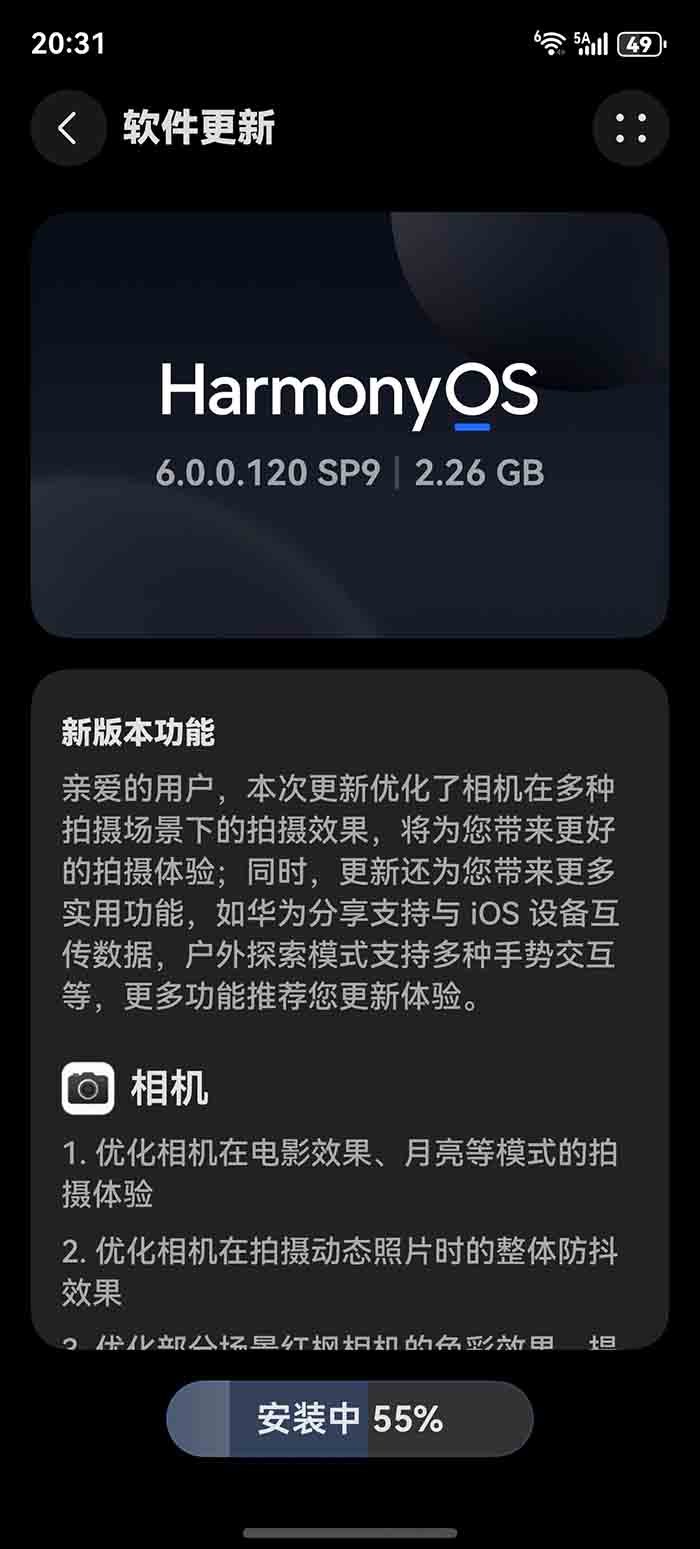
Huawei has released the first software update for the Mate 80 series, bringing a bunch of new features, improvements, and optimizations with the latest HarmonyOS version.
The lineup consists of four devices: Mate 80, Mate 80 Pro, Mate 80 Pro Max, and Mate 80 RS Ultimate Design, featuring a premium design and a bunch of capabilities. These are also the first to equip HarmonyOS 6 out of the box and already ship with numerous improvements over HarmonyOS 5, and the latest update package has entirely new additions.
One of the most notable parts of this update changelog is the camera section, which upgrades the video recording experience. It also optimizes image stabilization for dynamic photography. Furthermore, the color camera improvement enhances the shooting experience for telephoto and wide-angle lenses.
Below you can check the full changelog.
Gallery
- The cloud image library now features a new function to delete images only from this device. You can safely release your local original images and easily free up storage space. After the images are released, they can be viewed and downloaded from the cloud at any time (Library > View Larger Images > Delete > Delete Only from This Device).
- Gallery home screen cards support dynamic effects, with selected memories rotating on the home screen, bringing more vibrant and wonderful moments to life.
- The Gallery home screen card “Custom Album Photos” type supports selecting multiple images for playback (long-press the Gallery home screen card > Edit > Select Images).
Huawei Share
Supports the transfer of images, videos, files, contacts, and other content and data with iOS, iPadOS, and macOS devices (the other device needs to download the “HarmonyOS Galaxy Interconnect” application; for details, please refer to “Help & Feedback”).
Privacy and security
By controlling the permissions that apps grant to access device orientation, you can block in-app “shake” ads and redirects and provide you with a cleaner app experience (control method: Settings > Privacy and Security > Apps access device orientation).
System
The Outdoor Exploration Mode adds a variety of gesture interaction operations, such as swiping on the home screen to enter multitasking, swiping horizontally at the bottom to quickly switch applications, and also supports gesture interaction operations such as one-step split screen and one-step floating window.
Improve overall performance and stability for a smoother user experience.
Weather
The weather app supports dynamic icons, and the home screen icon can display different weather icon styles according to the real-time weather of the current location, such as sunny, rainy, cloudy, etc.
Huawei is releasing the first Mate 80 series update in batches, and soon it will be available for all users.

The post Huawei Mate 80 series gets first software update with camera, Gallery and other features appeared first on Huawei Central.