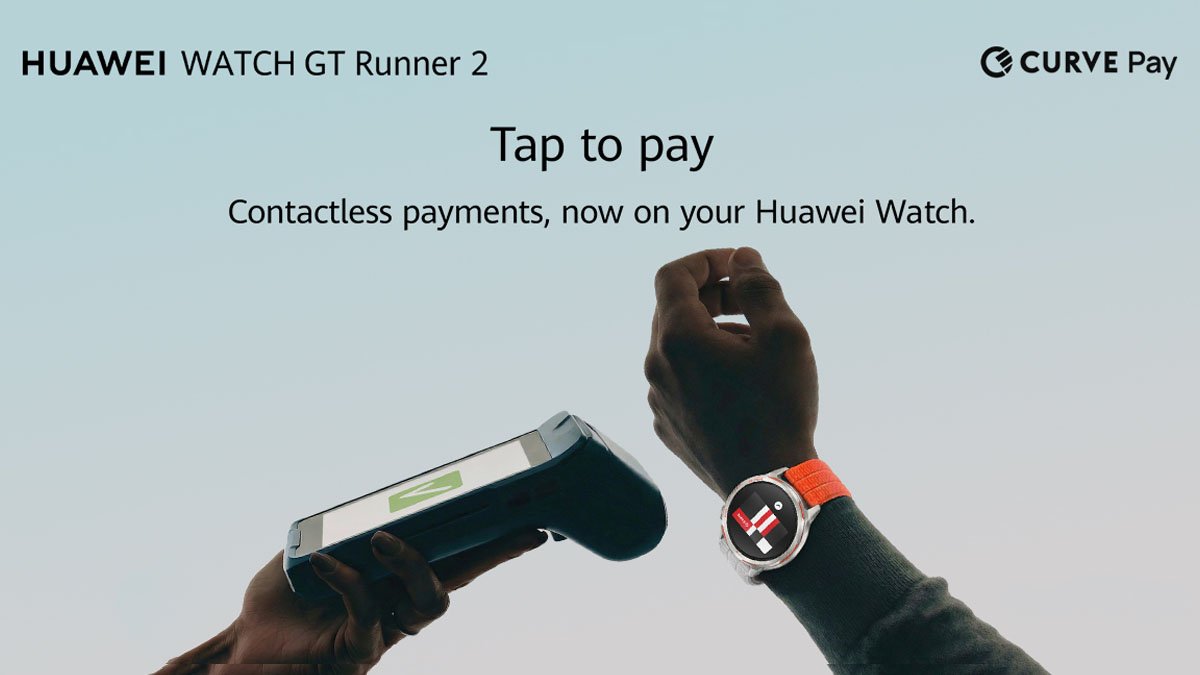
Huawei introduced the Curve Pay payment features with the Watch GT Runner 2 last month, and it is now bringing this particular app to more of its global smartwatches. After the running wearable, the company has expanded the app to many devices.
Curve Pay is a digital wallet. It belongs to the FinTech company and allows users to bundle many debit and credit cards into a single digital wallet application.
In simple words, smartwatch users can pay with a single card using their smartphone or wearable. Besides, they can easily switch payment cards after a transaction.
For instance, Curve Pay on your watch can hold Visa, Mastercard, and other cards. It doesn’t transmit the actual card info during the payment process. Other features count cashback tool, auto-card fallbacks, switch of payment source, and more.
After introducing the Curve Pay features to the Huawei Watch GT Runner 2, the company is now pushing it to more smartwatches. These are as follows:
Compatible Smartwatches
- Watch GT Runner 2
- Watch GT 6
- Watch GT 6 Pro
- Watch GT 5
- Watch GT 5 Pro
- Watch Ultimate 2
- Watch 5
- Watch Fit 4 series

(Image Credits: Huawei)
Users have to install the Curve Pay app on their Huawei smartphone to access its payment features. This can be done via AppGallery. Now, create a Curve user account. Note that you can only use Curve if you have a debit or credit card.
Hereafter, open the Huawei Health app on your smartphone > Devices > select your watch and then install the Curve App through the AppGallery. Now, set a PIN for your wearable (it’s mandatory) from the Settings app in the smartwatch.
Finally, you can link them by opening the Curve app on your phone and selecting Launchpad > swipe left, and you’ll see Curve meets Huawei Wearables > hit the Enjoy now tab.
Notably, the Watch Fit 4 series might not work at present. But it will soon support the new payment way and its features.
The post Huawei brings Curve Pay payment features to more smartwatches appeared first on Huawei Central.