Huawei Mate 80 series launch has marked the official release of HarmonyOS 6, opening a way for older flagships to gain new features with an OTA software update. In the latest edition, Huawei is pushing a new HarmonyOS 6 feature pack update for Pura 70, Pura 80, Mate 60, and Mate 70 series models, making them more useful.
These Pura and Mate series phones have sold millions of units, regaining Huawei’s sales momentum and returning among the top sellers. Therefore, the company keeps its software in check to ensure an up-to-date user experience.
Prior to the Mate 80 series release, Huawei pushed a beta HarmonyOS build for top flagships, and now. All of these phones have been upgraded to the stable HarmonyOS 6 software. However, the latest update, HarmonyOS 6.0.0.120 SP6, is more like a year-end release, packed with a bunch of new features.
The update changelog revealed some important additions, including a new smart grip feature for phone calls, which automatically adjusts the answer button according to the left or right hand grip. Making it convenient to answer the call.
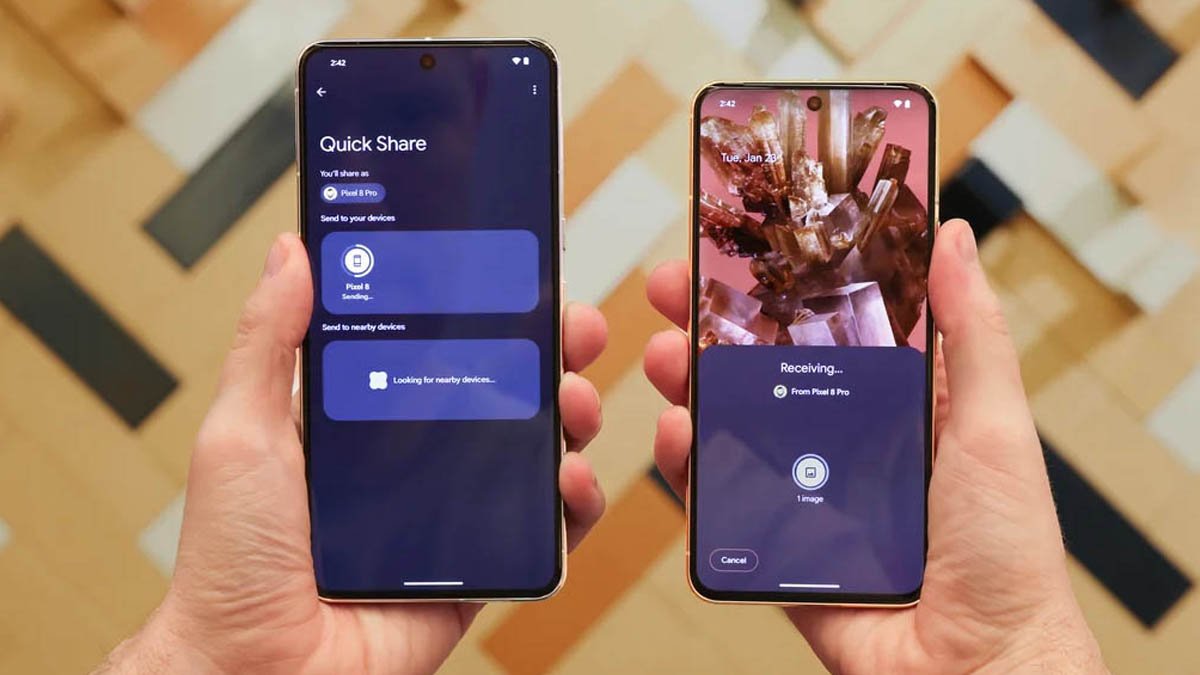
This HarmonyOS feature pack brings new Huawei Share capability for Pura 80 and other devices, allowing users to transfer files (images, videos, documents, and more) with iOS, iPadOS, and MacOS devices through a dedicated app.

(Image Credits: Huawei)
Other additions to this update are the following.
Huawei added a new Magic Expressions feature that allows you to access expressions displayed in front of the camera while editing. It previews and modifies facial expressions in real time. What you see is what you get, offering endless creativity and endless fun.
The cloud image library now brings a new feature to delete images only from this device. You can safely release original local photos to free storage. After release, the images in the cloud can be viewed and downloaded at any time.
Gallery home screen widgets now support dynamic effects. Your selected memories will circle on the home screen, bringing your vibrant and memorable moments to life.
The “Custom Album Photos” category on the Gallery home screen widget supports selecting multiple images for playback. Moreover, you can control app permissions to access device orientation, you can block in-app “shake” ad redirects, and provide you with a cleaner app experience.
The post Huawei Pura 80, Pura 70, Mate 70, Mate 60 refreshed with new HarmonyOS feature pack appeared first on Huawei Central.