Huawei has introduced several amazing tech-pack capabilities with the all-new Mate 80 series but amid these new add-ons, the company has also revived an old swipe feature that most users will love to see back on their handset.
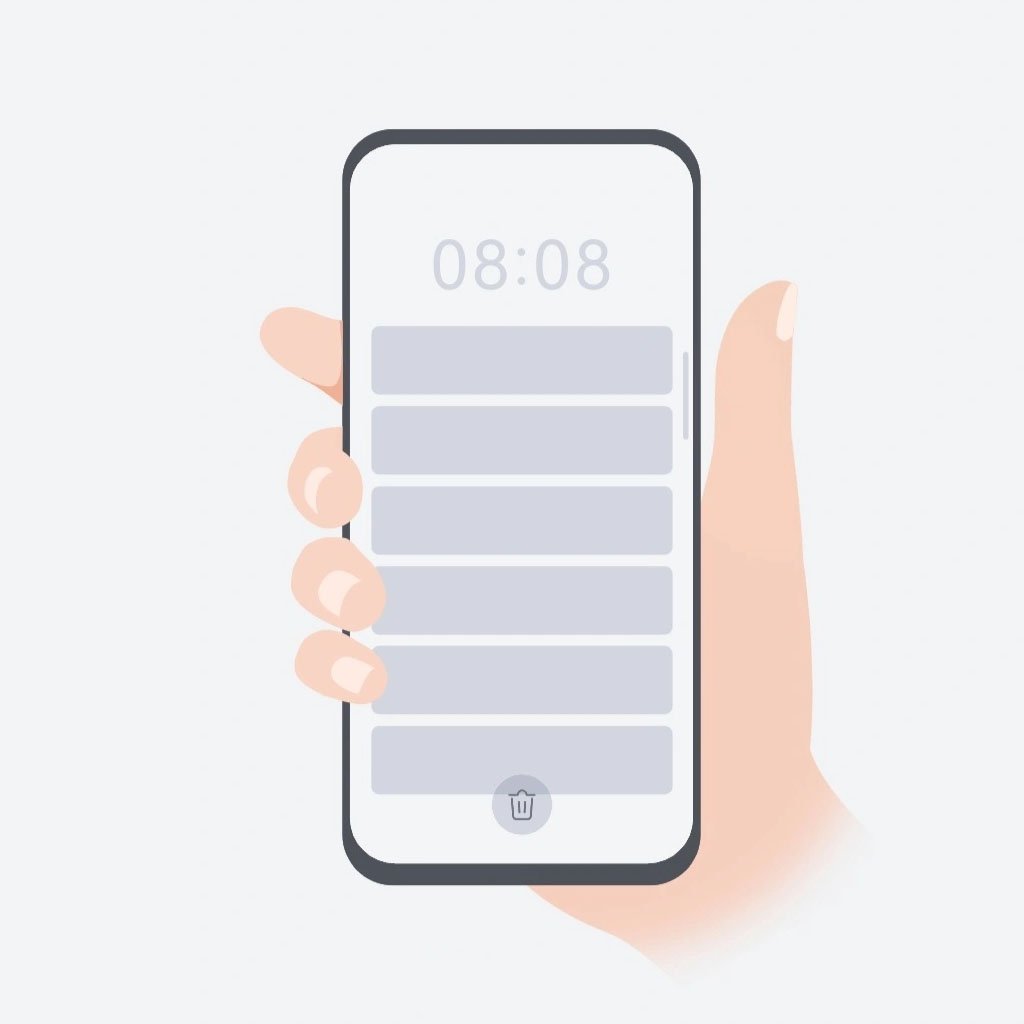
Well, this old swipe feature is the Classic fingerprint swipe gesture that was present in several previous-gen models. The tool enables users to open the notification center through the rear-mounted fingerprint sensor.
Older models like the Mate 10 Pro, P10 Series, P9, and Nova 2 models had this feature. Tapping on the rear-mounted fingerprint sensor (which used to have a responsive trackpad) directs users to the notification panel.
Besides, it supported functions like controlling camera features, incoming calls, and opening the notification panel to check on the new alerts from multiple apps.
All you have to do is swipe down or up on the fingerprint scanner to open or close the notification panel, respectively. But with newer models, Huawei used the in-display or side-mounted fingerprint sensors that only work as an unlocking method.

(Image Credits: Huawei)
Meanwhile, the notification panel access began relying on the screen-based gestures. Gladly, Huawei has brought back this old swipe feature with the Mate 80 series.
The new feature is called Smart Control Key. It’s attached to side-mounted fingerprint sensors. While the Pura 80 flagship also has such a tool, it only works for camera shutter actions. But with Mate 80, the company has made it even more useful.
Users can access this feature through the Settings app > System > Gestures and then enable the feature.
A downward swipe gesture on the Mate 80’s fingerprint sensor will pull down the notification panel, while the upward swipe will close it. Perhaps, the company may bring this useful swipe feature to more models in the time ahead.
|| source ||
The post Huawei revives an old swipe feature with Mate 80 and you’ll love it! appeared first on Huawei Central.