
Andy Walker / Android Authority
TL;DR
- YouTube now shows basic playback controls in Android Auto.
- You can play/pause or skip videos, but you can’t watch them.
- The feature requires YouTube Premium (including Premium Lite) for background audio.
Google seems to be rolling out a small but useful update to YouTube on Android Auto. But before you get too excited, know that this isn’t a full YouTube experience in your car.
Don’t want to miss the best from Android Authority?


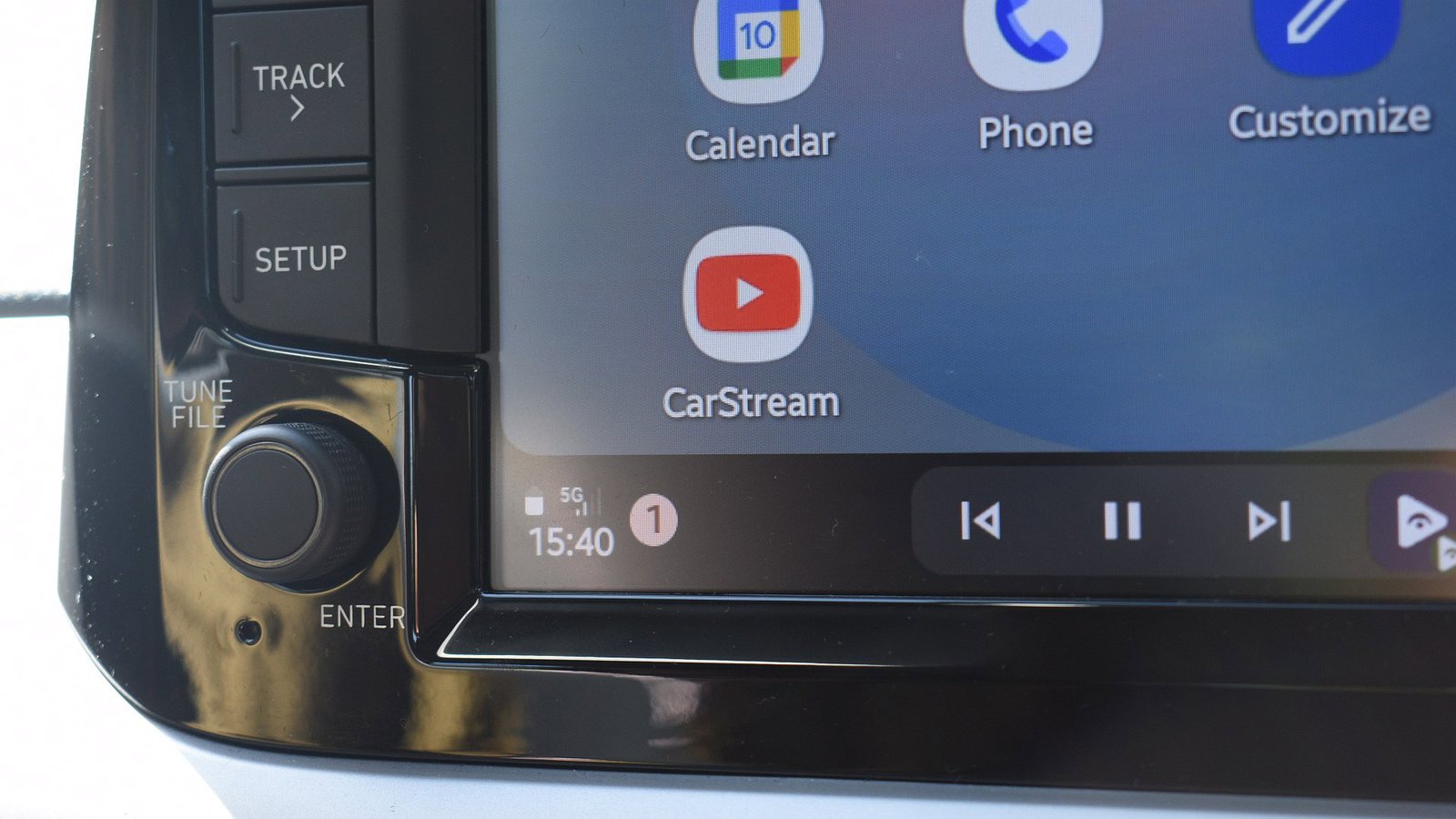
Instead, YouTube now reportedly shows up in Android Auto’s media controls, the same place where you usually see your music controls.
Users on Reddit say you can now play, pause, and skip videos on YouTube through your Android Auto dashboard. Unfortunately, there’s still no video playback, no browsing, and not even a full-screen player.

In other words, this isn’t a proper YouTube app for Android Auto. It’s more like basic audio controls piggybacking on whatever’s already playing on your phone.
That said, it could still be genuinely useful. Plenty of people like listening to podcasts or long-form videos on YouTube, and these controls make that experience a bit more seamless.
Do you want video playback support on Android Auto?
10056 votes
There’s a catch, though. You’ll need a YouTube Premium subscription for this to work, since background playback is required. The good news is that even the cheaper Premium Lite plan (priced at $7.99/month as of early 2026) includes background play.
For now, this feels like a small step rather than the full YouTube experience on Android Auto that many users have been eagerly waiting for.
Google announced plans at I/O 2025 to add video app support for Android Auto while parked. We recently discovered code evidence in Android Auto suggesting that the company hasn’t forgotten about its plans and is still actively developing video playback features.
Thank you for being part of our community. Read our Comment Policy before posting.