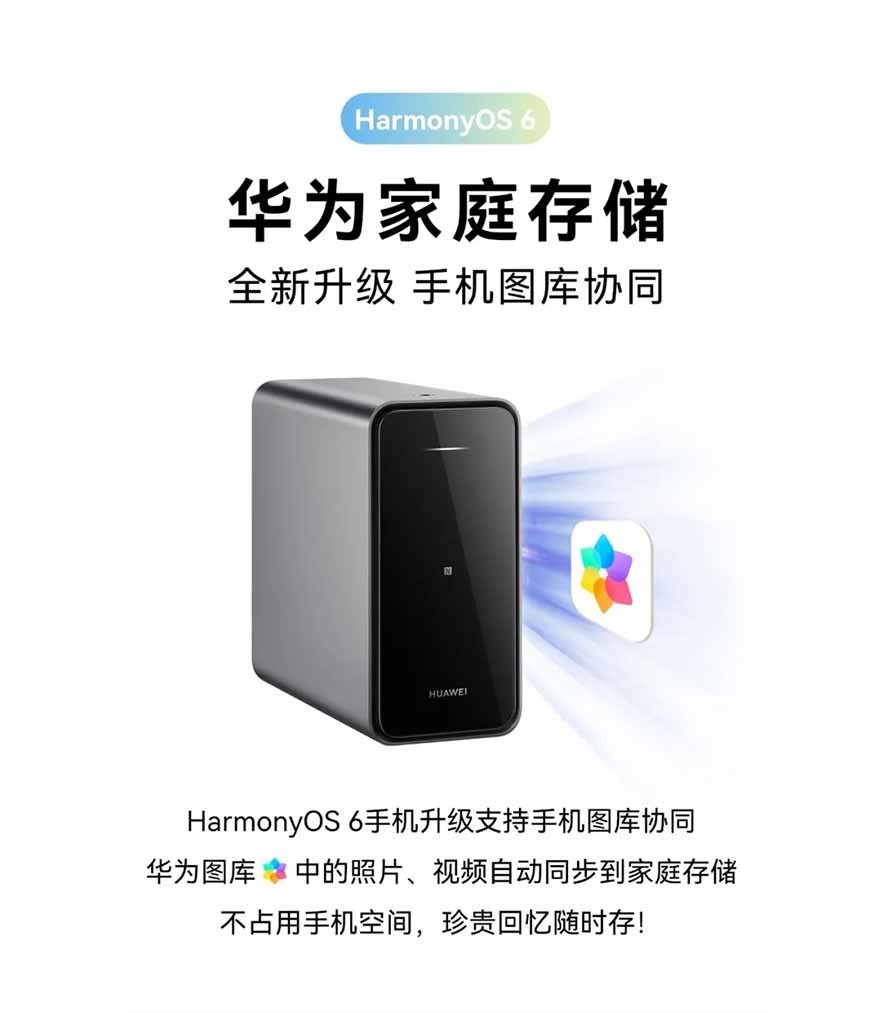
Huawei has upgraded its home storage device with HarmonyOS 6 features, making this smart storage accessible more than ever, thanks to the latest capabilities that deeply blend into Huawei’s ecosystem.
We previously reported on this update on our website, and here is the complete list of changes that you could expect with Huawei Home Storage with this new upgrade.
- Third-party apps can access stored images, send photos in chat, and edit videos. Experience path: Within third-party apps, you can directly select photos and videos from Huawei Gallery’s home storage.
- Videos can be watched online without downloading; simply use Huawei Gallery. To access this feature: Directly click to play videos stored in your Huawei Gallery account.
- Intelligent album generation keeps your photos organized. Access via: Huawei Gallery > Albums.
- It supports one-click image creation, video production, and collage creation—super easy! Experience it via: Huawei Gallery > Select the desired image > One-click image creation/Video creation/Collage.
- Capture every wonderful moment with the Moments album. Access via: Huawei Gallery > Moments.

You should know that the new feature requires the device and connected device to be updated with the following software versions:
Connected smartphone or tablet needs HarmonyOS 6.0.0.130 or above. Home storage device needs HarmonyOS 6.0.0.12 or above, and the Huawei AI Life also need a app version 16.0.0.340 or later.
After enabling the smart access features, users can sync photos and videos directly to the Home Storage. This will allow them access to anytime from the Gallery app without hosting them locally on the device.
The post Huawei renews home storage with smart HarmonyOS 6 features appeared first on Huawei Central.