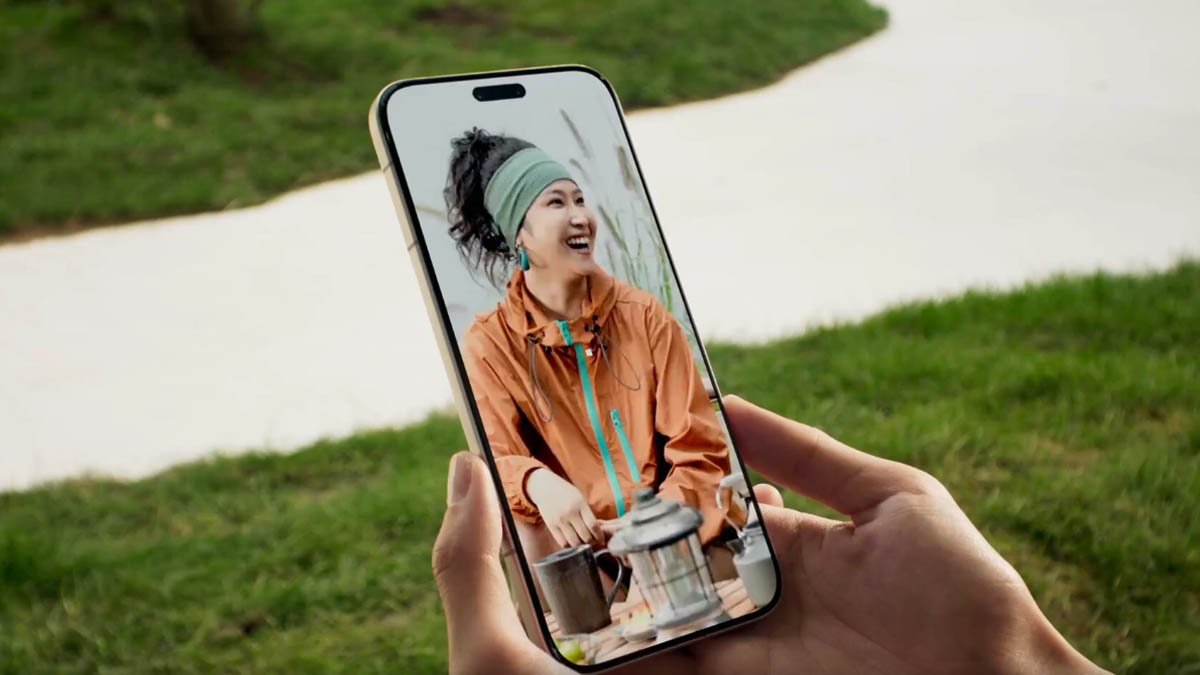
Honor is rolling out a new MagicOS 10 software update for its devices which introduces a Huawei-like screen privacy feature. The new firmware is coming to the Magic 8 flagship phones at present and will soon make its way to more eligible handsets.
The company has been in the news for testing a screen privacy feature on hardware and software levels. It was rumored to first introduce this capability with Magic 9.
Now it seems the Chinese tech giant has prepared the software-grade privacy screen feature and is sending it to its devices with the latest MagicOS 10 software version.
According to the changelog details, the new addition will intelligently detect when someone tries to peek at your phone’s screen. As a result, it triggers a protection prompt and prevents the on-screen information from leaking.
Users can access the feature after installing the MagicOS 10.0.0.160 update on their devices. Then, head towards the Settings app and open the Privacy & Security section. Now enter the Screen Privacy Protection and turn on the toggle of the feature.
Apart from the significant addition, Honor has also added some interesting features to the YOYO AI Agent and other sections of the device. It optimized some existing capabilities as well. You can check all of these changes below.

(Image Credits: Honor)
Honor AI & YOYO
- YOYO AI Creation is now available, offering a multitude of creative features and seamless image creation with a single click. Path: YOYO > Swipe right to open the YOYO sidebar > AI Creation.
- The AI button now features the YOYO image creation feature, providing one-click access to AI creation or AI retouching. Inspiration generation and image refinement are readily available, making your creative expression more efficient. Path: Settings > Honor AI & YOYO > AI Button > YOYO Image Creation.
- Optimized AI YOYO memory feature. Short presses and double presses can be set as screen recognition notes or photo notes, while long presses can be set as screen recognition notes, photo notes, or dictation notes. Define your own personalized shortcut for more efficient inspiration capture and a smoother interactive experience. Path: Settings > Honor AI & YOYO > AI Button > YOYO Memory.
AI Screen Privacy Protection
- Added a new AI-powered screen privacy feature in the MagicOS 10 update that smartly identifies when someone is peeping and automatically triggers protection to effectively prevent screen information leaks. It supports customizable masking styles and application areas, making privacy protection smarter and more flexible. Path: Settings > Privacy & Security > Screen Privacy Protection.
Virtual Permissions
- Added a new virtual permissions feature. When enabled, when an app accesses call logs, contacts, or calendar information, it can only retrieve blank data. This protects your data and allows for more secure app usage. Path: Settings > Privacy & Security > Virtual Permissions.
Display
- The Defocus Vision Relief feature now includes a new Motion Relief mode. When activated, it dynamically adjusts the video feed to guide the eye muscles through regular movements, effectively improving eye focus. Path: Settings > Honor Oasis Eye Protection > Defocus Vision Relief > Motion Relief.
System
- The recently added task style (stacked mode) supports parallel response operations in multiple scenarios such as clicking to launch an app, swiping the list left and right, and deleting tasks consecutively, making your task management experience smoother.
- Optimized the bounce effect of the recent tasks style (stacked mode) and made the swiping and interaction experience smoother.
Home Screen
- Added new decorative cards (healing text/energetic stickers/cute quotes), making it easy to create more fun decorations. Path: Pinch two fingers together to enter the home screen edit mode > Widgets > Honor Home Screen > Select the corresponding widget to add to the home screen.
- Added a new alarm clock card, supporting real-time display of the next alarm reminder time, allowing for quick viewing without opening the app, making time management more intuitive and efficient. Path: Pinch two fingers together to enter the home screen edit mode > Home Screen Widgets > Clock > Select the alarm clock card and add it to the home screen.
- The home screen editing gestures now support personalized settings, adding multiple trigger methods such as pinch two fingers, long press and pinch with two fingers and long press. Users can flexibly configure these according to their personal habits, making home screen management more customizable. Path: Settings > Home Screen and Personalization > Home Screen Settings > Edit Home Screen.
Magic Capsule
- Optimized the visual presentation of the unfolded capsule, integrating gradient colors and a transparent effect for a more refined interface.
- The new media playback features new track-switching animations, and the audio album art now supports a rotating transition effect when switching tracks, resulting in more fluid and immersive interactive feedback.
- Expanded the Lingdong Capsule service ecosystem again, now supporting Taobao flash purchase of medicines, Baidu Maps driving navigation, Dianping queuing, and Meituan group-buying meals. Key information flows in real time, making life services readily available (the above applications need to be updated to the latest version in the App Store to experience this).
Lock Screen
- Enriched the lock screen widget service matrix, adding support for frequently used scenarios such as notes and voice recorder. Key functions can be accessed with one click, making information presentation more efficient. Path: Settings > Desktop and Personalization > Personalization Style > Lock Screen Customization > Add Widget
Input method
- The redesigned security keyboard features a punch-hole area avoidance and rounded bottom corners for a more comfortable typing experience.
Camera
- Optimizes camera shooting experience and fixes issues such as app crashes and abnormal watermarks in certain scenarios.
- Optimize camera shooting performance, including color stability and image sharpness in certain scenes.
Battery
- Optimize battery life experience in certain scenarios.
Stability
- Improved system stability and optimized issues such as crashes and unresponsiveness in some third-party applications, making your phone run more stably.
Security Patch
- Integrate the Android May 2026 security patch to enhance system security.
The post MagicOS 10 phones getting Huawei-like privacy screen feature appeared first on Huawei Central.