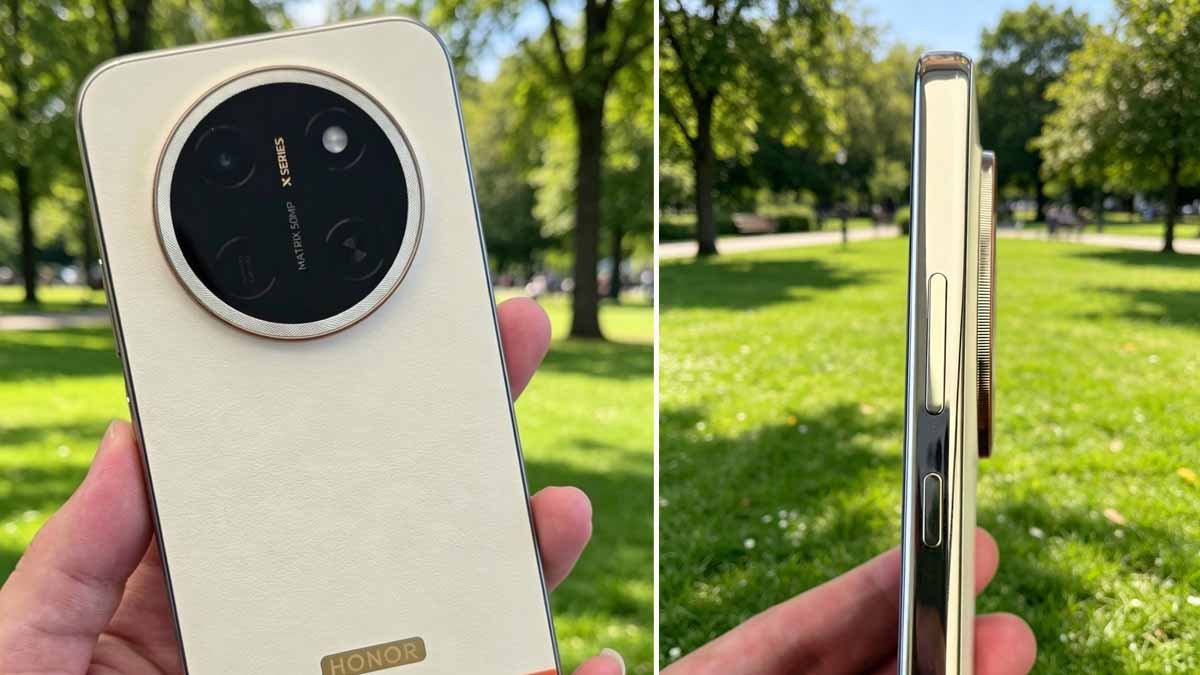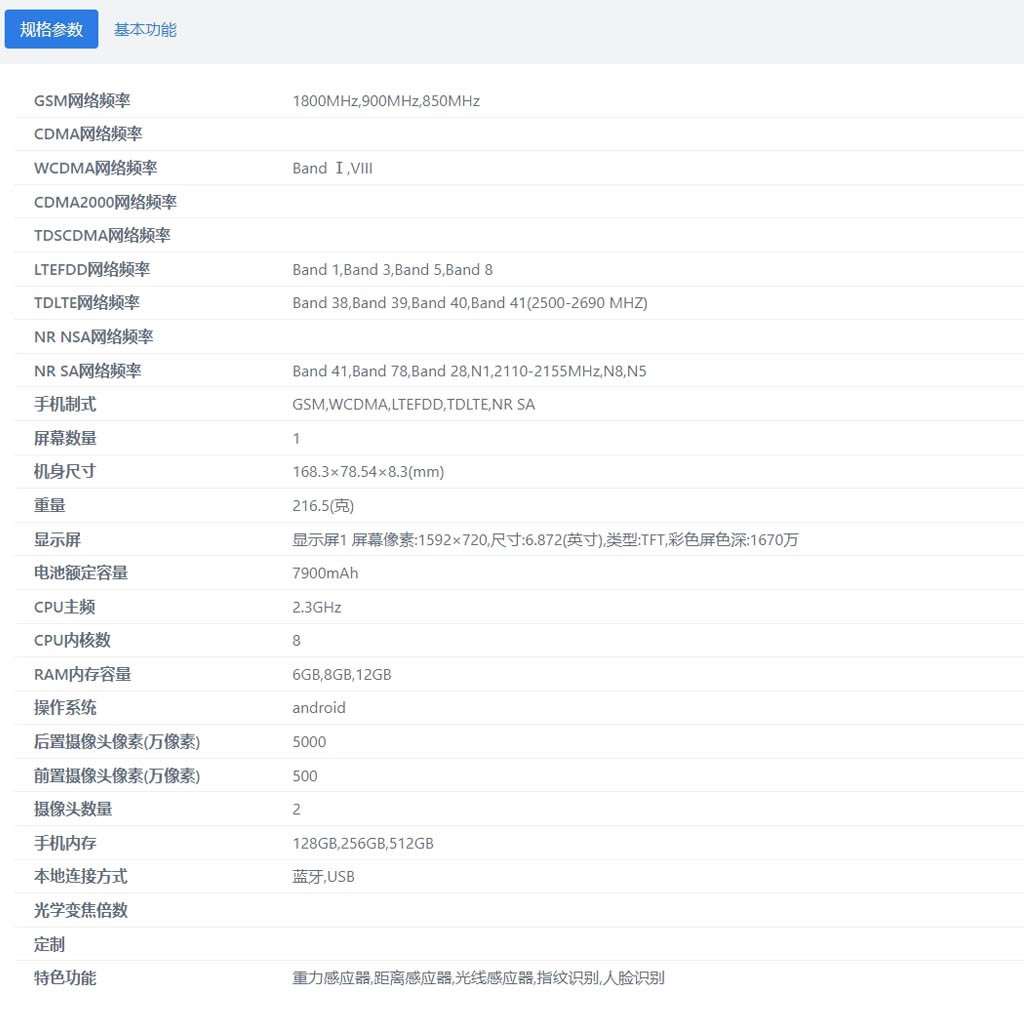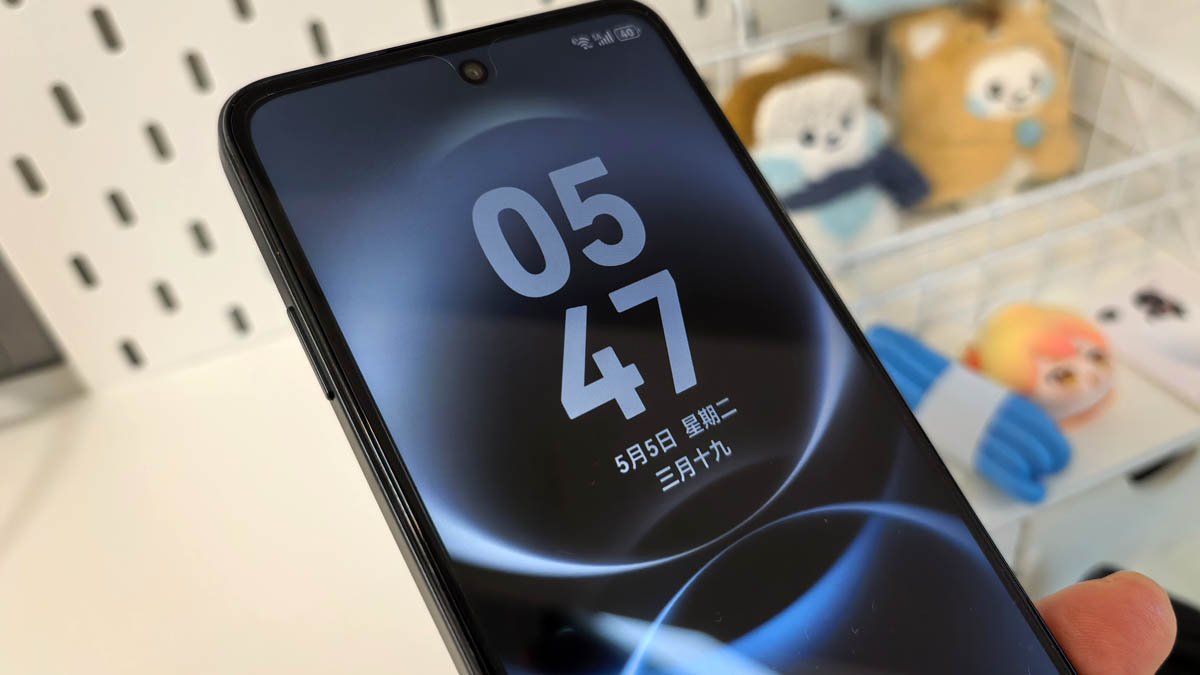
Huawei has been preparing a separate app volume adjustment feature for its phones, and the Enjoy 90 Pro Max is the first device to receive it. The pocket-friendly handset is getting the new capability with the latest HarmonyOS 6.1.0.125 update.
App volume adjustment is a prominent feature in phones that enables you to control the sound of a particular application without disturbing the volume of other apps.
For instance, you can silence certain app notifications while keeping the game or music applications at high volume to enjoy an immersive and efficient experience.
While many expected to see the new app volume feature for flagship mobile phones, Huawei has pushed it first to the Enjoy 90 Pro Max. One can easily access it through Settings > Sound and Vibration > Application Volume Individual Adjustment.
Huawei describes the feature as:
“Supporting adjusting volume for individual applications: By pressing the volume button and sliding left to open the volume bar panel, you can set the volume of the application currently using audio separately (you need to turn on the application volume individual adjustment switch).”
Besides this capability, the new HarmonyOS update adds many new features to the Enjoy 90 Pro Max, including an automatic watermarking tool, a lock screen editing tool, and more. You can check the complete changelog below.

(Image Credits: Weibo)
HarmonyOS 6.1.0.125 Update: Changelog
Camera
- Added a new automatic watermarking feature. After turning on the automatic watermarking switch in the camera settings, it automatically adds the shooting time, shooting location, and custom watermark when taking photos with the rear camera.
Lock Screen
- Added a new lock screen editing feature. In Settings > Home Screen and Personalization > Lock Screen, you can edit the lock screen style and lock screen signature, and you can also add widgets.
Gallery
- The smart album supports folding and hiding. You can fold or expand the album by clicking the arrow on the right side of the smart album on the album page, making album management more flexible.
Settings
- Added notification ring volume bar, supporting adjustment of incoming call and notification ring volume. In ringing mode, the notification ring volume can be freely adjusted; in vibration or silent mode, the notification ring volume is automatically muted and cannot be adjusted.
- Hide the three-key navigation. In Settings > System > System Navigation > Three-key Navigation, turn on the switch to hide the navigation keys, then click the arrow to the left of the navigation keys to hide them. Swipe up from the bottom of the desktop to show the navigation keys.
Application
- Optimized the smoothness of some games to improve the gaming experience.
Security
- Integrated the May 2026 security patch to enhance system security.
The post Huawei Enjoy 90 Pro Max is first to get app volume adjustment feature appeared first on Huawei Central.