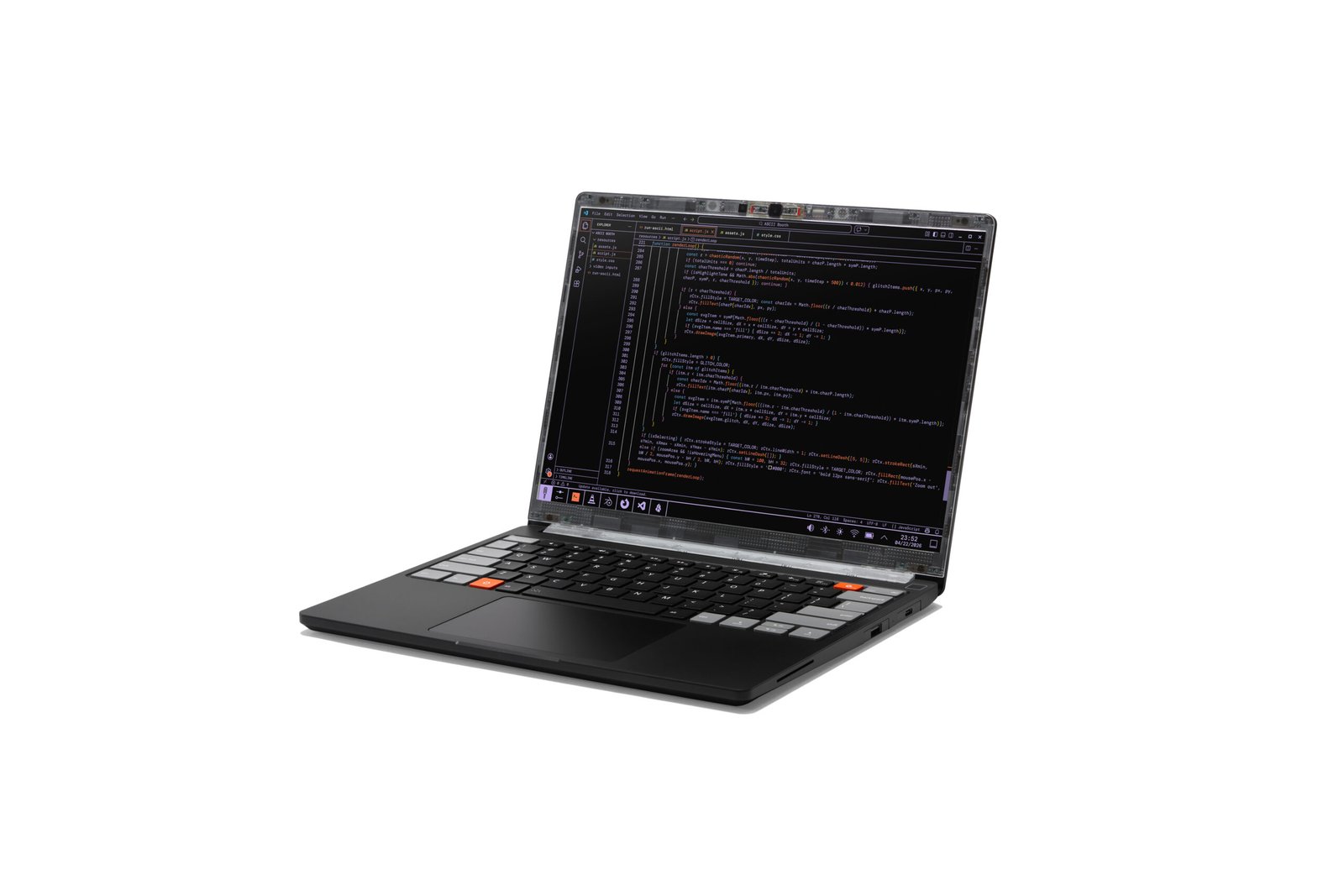
For the first time since launching the Framework Laptop 13 back in 2021, the company has redesigned the chassis and made major, fundamental improvements. That resulted in a new product, the Framework Laptop 13 Pro.
The Framework Laptop 13 Pro, announced today at Framework’s Next Gen event, has a CNC-aluminum chassis, the first-ever fully-custom display on a Framework Laptop (and the first touchscreen display on a 13-inch Framework), a haptic touchpad, and a larger 74 WHr battery.
|
CPU |
Up to Intel Core Ultra Series 3 X9 |
|
GPU |
Up to Intel B390 (integrated) |
|
RAM |
Up to 64GB (LPCAMM2) |
|
Display |
13.5-inch, 3:2, 2880 x 1920 resolution, 30 – 120 Hz, touch |
|
Battery |
74 WHr |
|
Weight |
3.09 pounds (1.4 kg) |
|
Release Date |
June 2026 |
|
Starting Price |
$1,199 (DIY Edition), $1,499 (Pre-built) |
On the Laptop 13 Pro, Framework is moving to Intel Core Ultra Series 3 processors, with configurations using Core Ultra 5, Core Ultra X7, and Core Ultra X9. Along with the bigger battery, Framework is touting those chips’ efficiency as a way to increase time on a charge. (Existing AMD Ryzen AI 300 mainboards will also be offered.)
Article continues below
With the Core Ultra Series 3 comes a number of firsts for Framework, including it being the first Framework system with PCIe 5.0 support and Wi-Fi 7.
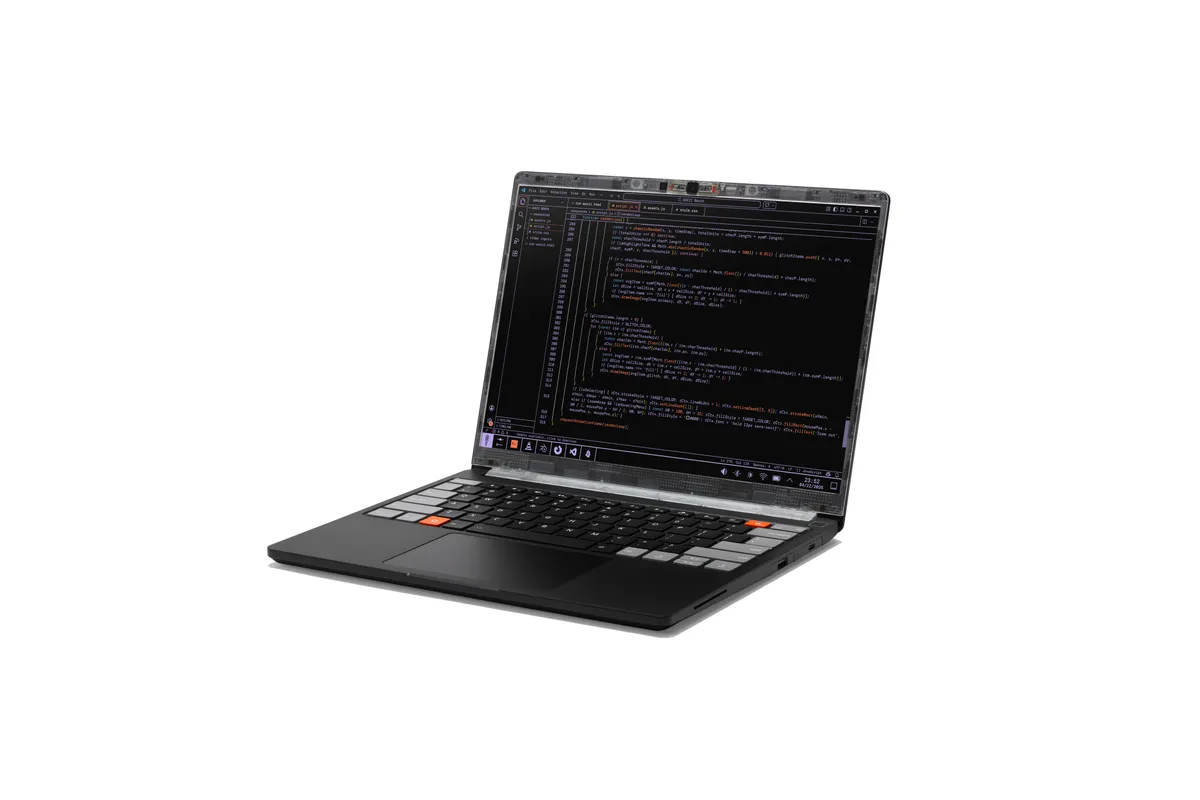
The battery is 22% larger than the previous 13-inch Framework Laptop. To fit the physically larger size of the battery, Framework has changed the bottom cover geometry, as well as thinned out part of the keyboard deck around the new haptic touchpad. The company says you’ll still have 80% capacity after 1,000 cycles. The 13 Pro also comes with a 100W GaN charger rather than the typical 60W one, to enable fast charging on this bigger battery.
Image 1 of 2
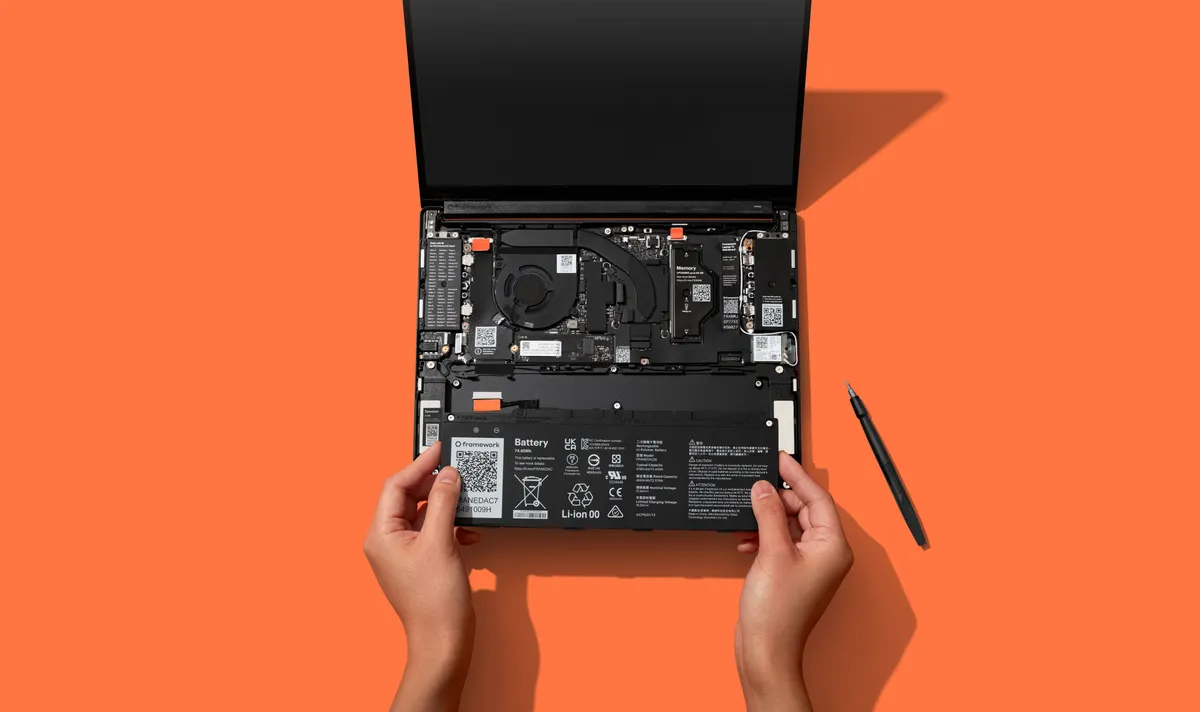

Additionally, Framework is using LPCAMM2 memory modules in 16GB, 32GB, and 64GB capacity options, with speeds up to 7,467 MT/s. Framework CEO Nirav Patel told Tom’s Hardware that the company expects to have plenty of the modules in its store, which is especially important as they aren’t easy to buy right now from typical storefronts. The company says it will have higher capacity modules in the future.
A new chassis and new features
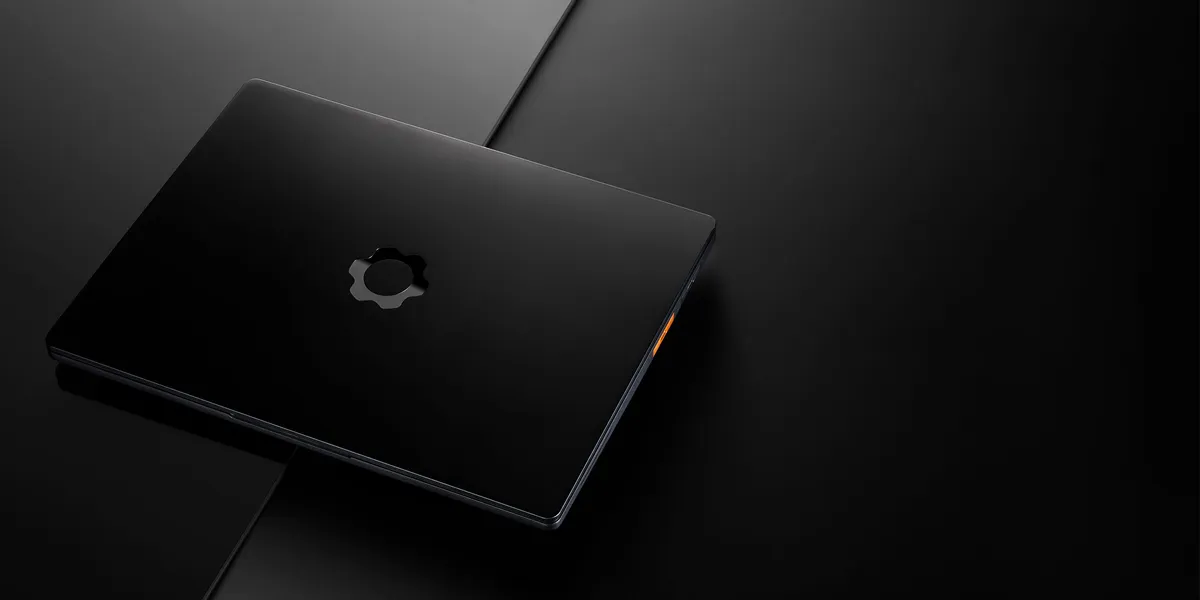
The body of the Framework Laptop 13 Pro is machined from 6000-series aluminum, which Framework says will make the system rigid. The outer dimensions are the same as the regular Framework Laptop 13, making it 15.86 mm thick. There’s a new anodization color, graphite, though pieces will be available in silver for those who are upgrading an existing Framework Laptop 13. The other change to the chassis includes a simpler Expansion Card latch (much needed, in my opinion).
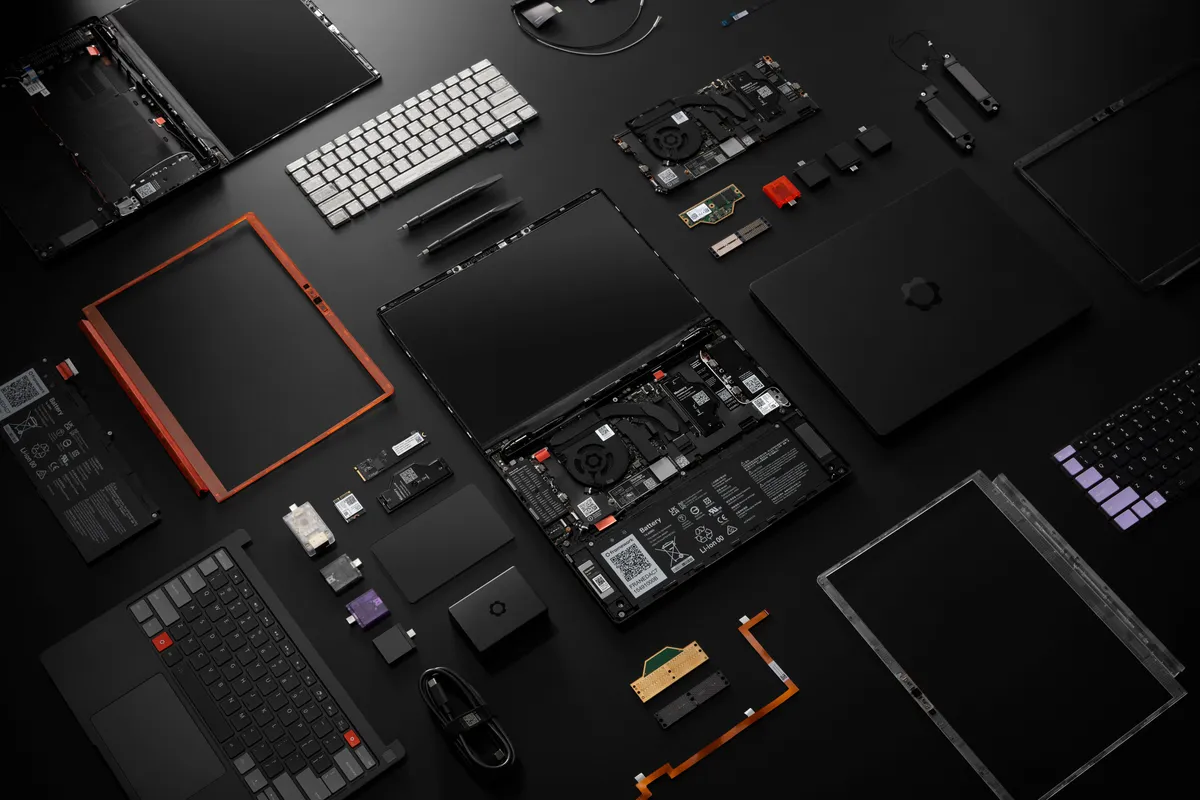
You can update a regular Framework Laptop 13 (going back to the original, 11th Gen Intel version) to a Laptop 13 Pro piece by piece, including the top-cover, bottom cover, and and haptic input cover. You could do that slowly over time, though if you decide you want to add the bigger 74 WHr battery to your current machine, you’ll need the new bottom cover and haptic input cover due to changes in geometry to fit the new cell.
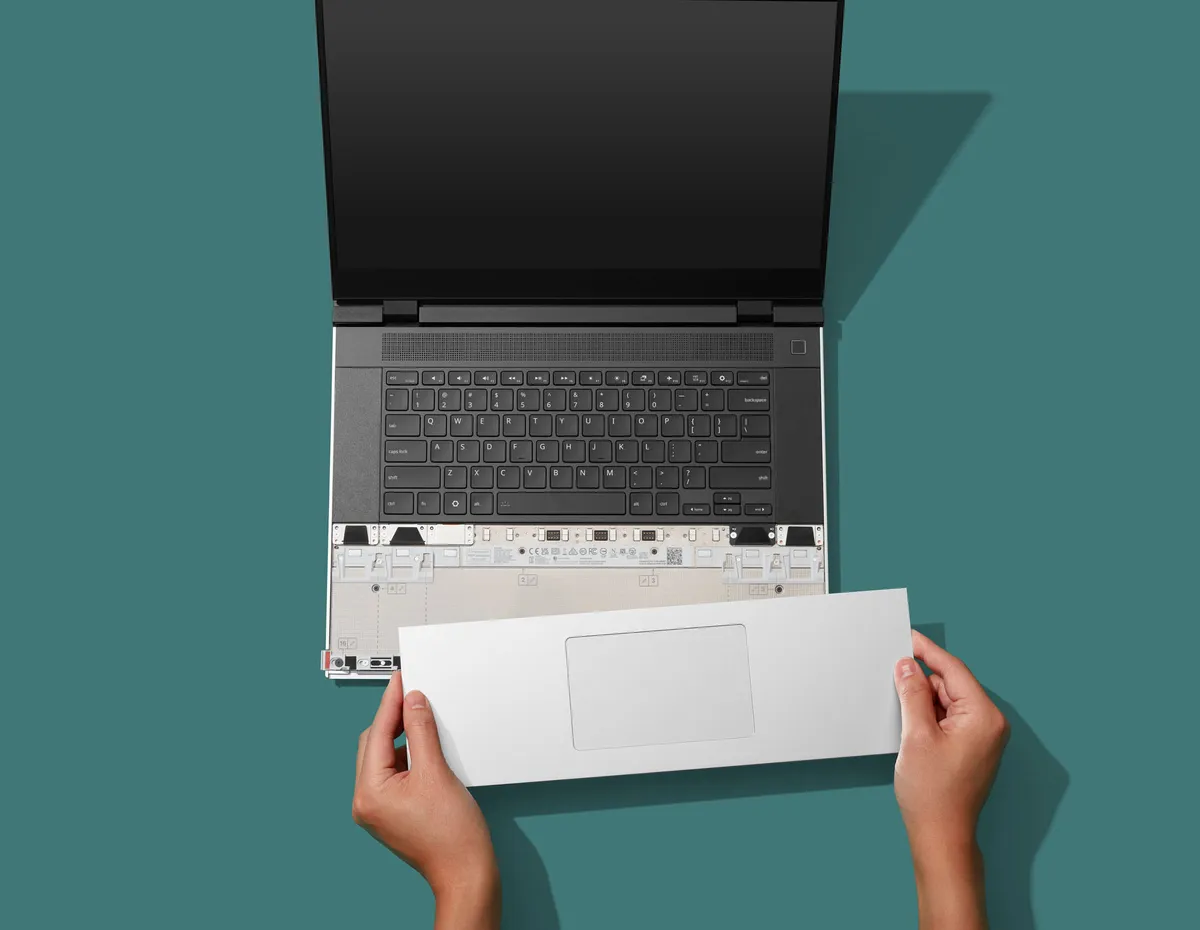
The new haptic touchpad is sourced from LiteOn, the same vendor that makes Framework’s existing mechanical touchpads. The input cover also features the keyboard, with the same 1.5 mm key travel.
The 13.5-inch, 3:2 display is the first fully-custom screen that Framework has included in a laptop. It has a 2880 x 1920 resolution, a 30 – 120 Hz variable refresh rate, a claimed brightness up to 700 nits, and anti-glare. The touchscreen is the first on a 13-inch Framework Laptop, though it has shown up on the 12-inch version.Despite the new mainboard and displays sounding radically different, they are both backwards compatible with all of Framework’s earlier Laptop 14’s, so you can buy the parts separately and put them in your existing system. Instead of buying a new Framework Laptop 13 Pro, you could just update the most important parts of your existing Framework Laptop 13.
Lastly, there are new speakers on the system. On Windows, there’s Dolby Atmos support, but that hasn’t come to Linux yet.
Ubuntu out of the box
Until now, Framework has only included Windows on its PCs that are already assembled. With the Framework Laptop 13 Pro, you’ll be able to get Ubuntu installed without having to build the PC in a DIY edition. You will, of course, be able to install different flavors of Linux — or Windows — if you wish.
Framework plans to ship the Laptop 13 Pro in June. DIY editions, which require their own memory, storage, and OS, will start at $1,199, while the pre-built configurations will start at $1,499. DIY editions maybe be complicated by the availability of LPCAMM2 which isn’t terribly common, though Framework itself should carry it.
Other announcements
Beyond the Framework Laptop 13, the company is also launching a slew of lesser products. There’s a new laptop sleeve, as well as a keyboard with a built-in touchpad for HTPCs or headless devices (both of which are use cases for the Framework Desktop). There’s also a new 10 GBps Expansion Card for faster networking. The Framework Laptop 16 is also getting new modules, including single-piece haptic touchpad inputs and keyboards to reduce the number of seams on the systems; the Laptop 16 is also getting a new Ryzen 5 processor option.
Perhaps one of the biggest swings at the Framework DIY ethos is a new OCuLink developer kit for the Framework Laptop 16 to attach to eGPUs, which includes a module to replace the discrete GPU. The company broke out native 8-lane PCIe on the Ryzen AI 300 series, with up to 128 Gigabit bidirectional throughput. This will let you run desktop-class graphics cards without the overhead of Thunderbolt.
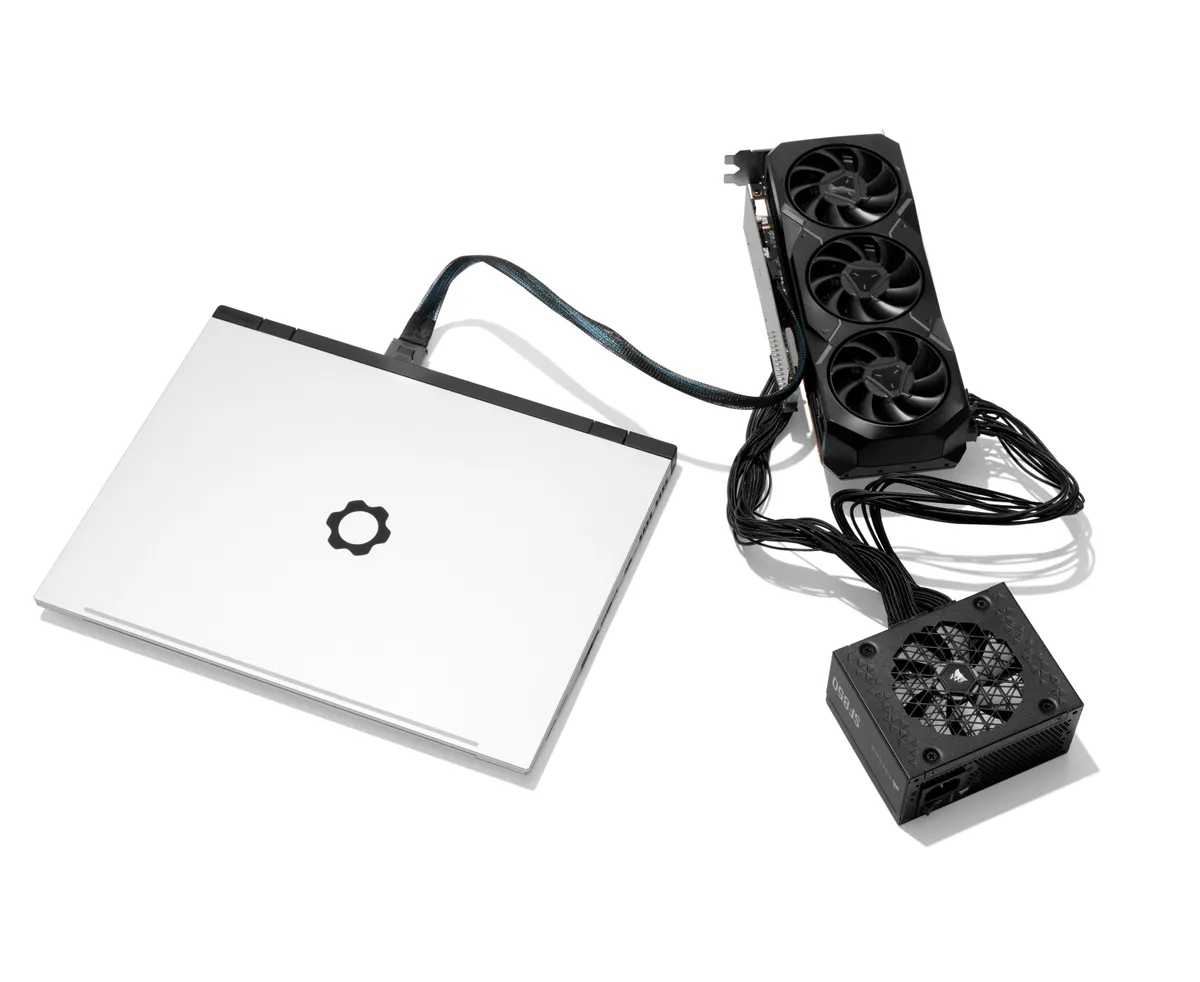
Patel said that calling it a dev kit is deliberate, as it requires knowledge and is not a fully enclosed product. Framework will supply the boards and mechanical structure, but you’ll need your own GPU and PSU. If you want to make a case, you’ll have to 3D print it.

Follow Tom’s Hardware on Google News, or add us as a preferred source, to get our latest news, analysis, & reviews in your feeds.